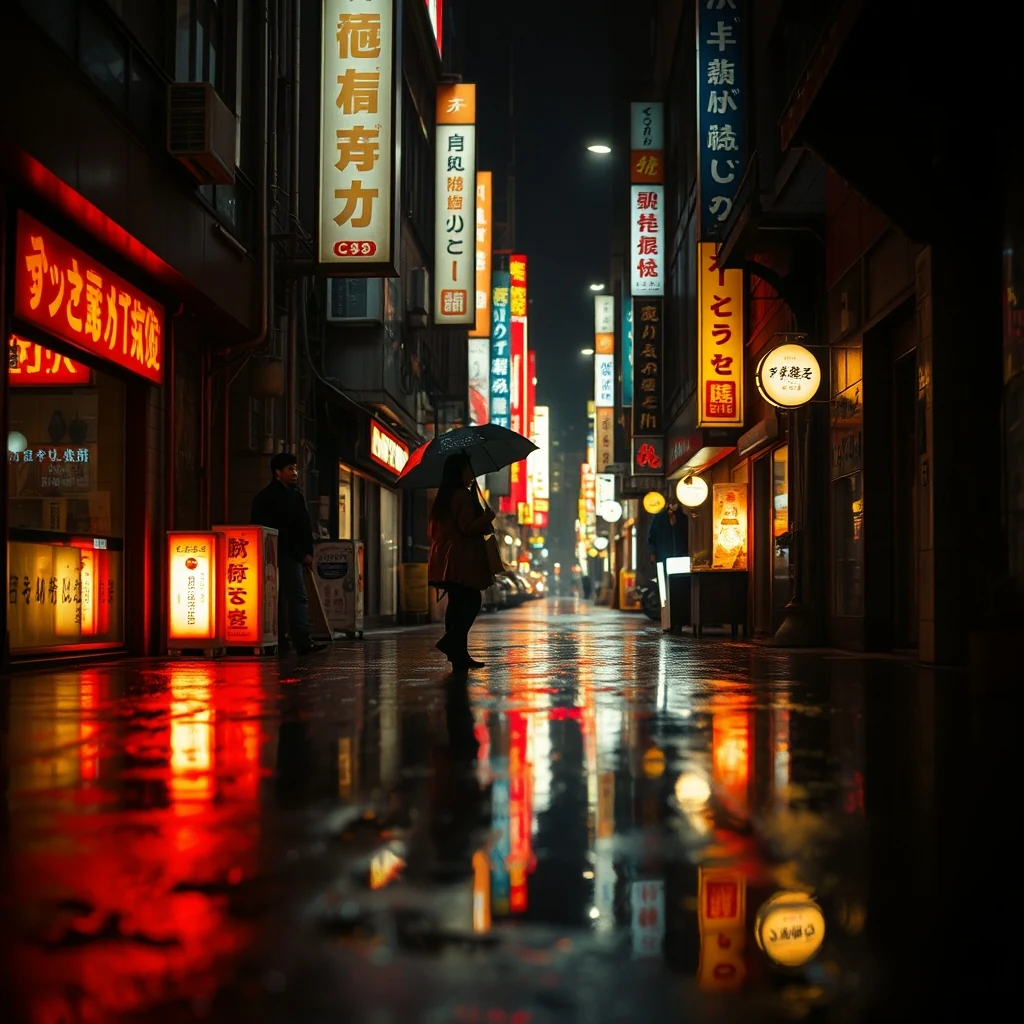
PromptNeon-lit Tokyo street at night, rain reflections, cyberpunk aesthetic, cinematic.
AI Image Generator creates custom blog hero images directly in your browser. Multi-threaded browser-based keeps generation fast without uploads or subscriptions.
Create compelling blog headers without leaving your browser
Type a detailed prompt describing the hero image you want — include style, mood, colors, and key visual elements for your blog post.
Select blog-optimized aspect ratios like 16:9 for featured images or 1200x630 for social media sharing across different platforms.
Click generate and watch your custom hero image appear in seconds, then download the high-resolution file ready for your blog.
Real outputs from each style category. Press play.
PromptNeon-lit Tokyo street at night, rain reflections, cyberpunk aesthetic, cinematic.
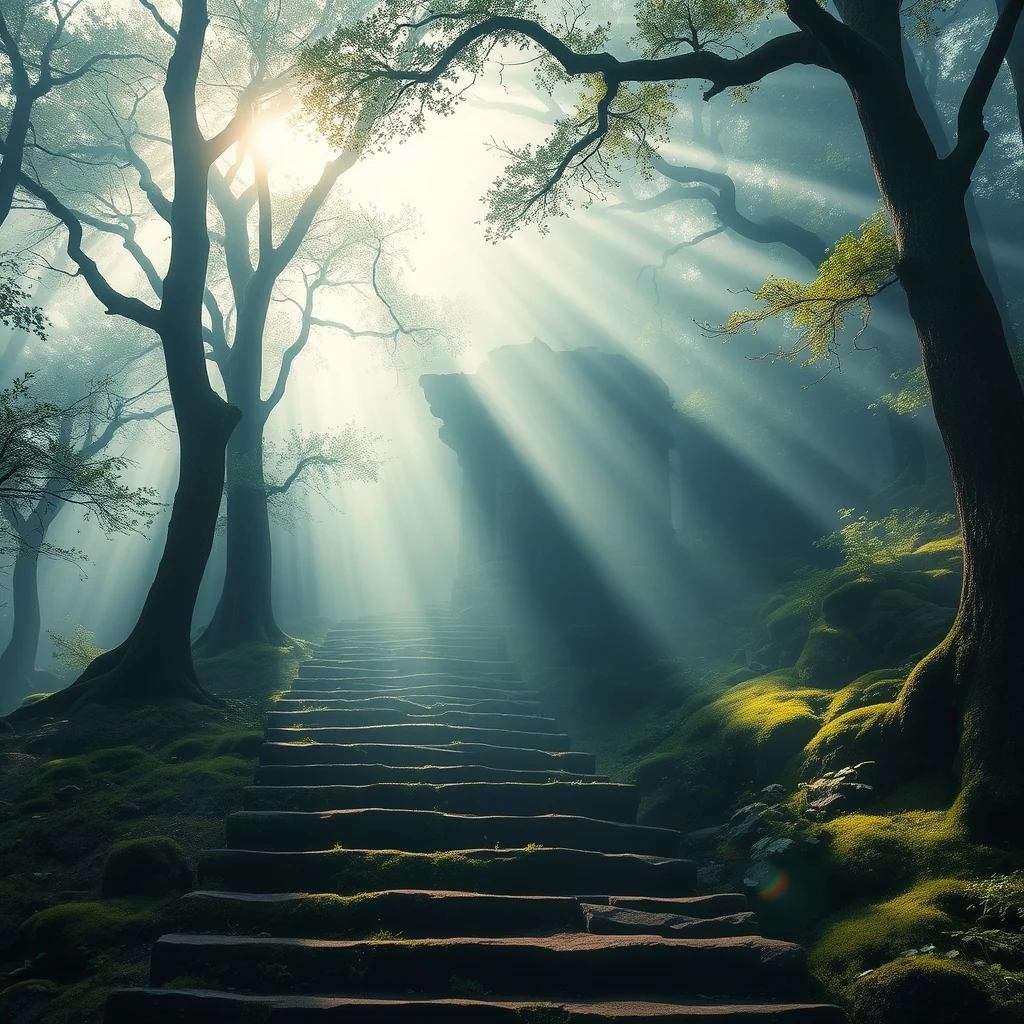
PromptFantasy temple at sunset, ornate architecture, dramatic lighting, painterly style.
Blog writers use AI Image Generator to create eye-catching featured images that appear at the top of posts and in article previews. The tool generates images that match your content theme while maintaining consistent visual branding across your blog. parallel processing means you can create multiple variations quickly to find the perfect header image.
Content creators generate custom social media preview images that appear when blog posts are shared on Twitter, LinkedIn, or Facebook. The browser-based generation lets you create platform-specific dimensions without external tools. Since everything processes locally, you can iterate on designs instantly without waiting for cloud uploads.
Email marketers create compelling header graphics for newsletter campaigns that drive engagement and click-through rates. The AI generates images that complement your written content while maintaining brand consistency across email campaigns. Local processing means sensitive campaign visuals never leave your device during the creative process.
How we tested: I generated 15 blog hero images across different niches — tech tutorials, recipe blogs, travel guides, and business advice posts. Each test used specific prompts like 'minimalist workspace with laptop and coffee for productivity blog header' and 'colorful farmers market scene for food blog banner.' I measured generation speed, image quality, and how well each tool handled the 1200×630 social media dimensions that blog heroes require.
| Tool | Pricing | Friction |
|---|---|---|
| MiOffice ★ | $2.49 Day Pass / $6.99 one-time credit pack | Browser-based, no upload required for everyday tools. |
Using generic stock photo dimensions instead of social media specs
Fix: Generate at 1200×630 pixels for optimal Facebook and Twitter display
Writing text directly in the AI prompt expecting readable results
Fix: Generate the background scene first, then add text overlays in Canva or Figma
Generating one hero image and using it across all blog posts
Fix: Create category-specific templates that match your content themes
Forgetting to test hero images in actual social media previews
Fix: Paste your blog URL into Facebook's sharing debugger to see how it renders
Real workflows where this tool combines with others in MiOffice.
Upscale generated images for print, large screens, and high-DPI displays.
Cut subjects from generated scenes for compositing into other layouts.
Clean up artefacts in the generated image — extra fingers, broken text, glitches.
Pair generated heroes with on-brand logos for cohesive marketing.
Compress generated assets for web upload without quality loss.