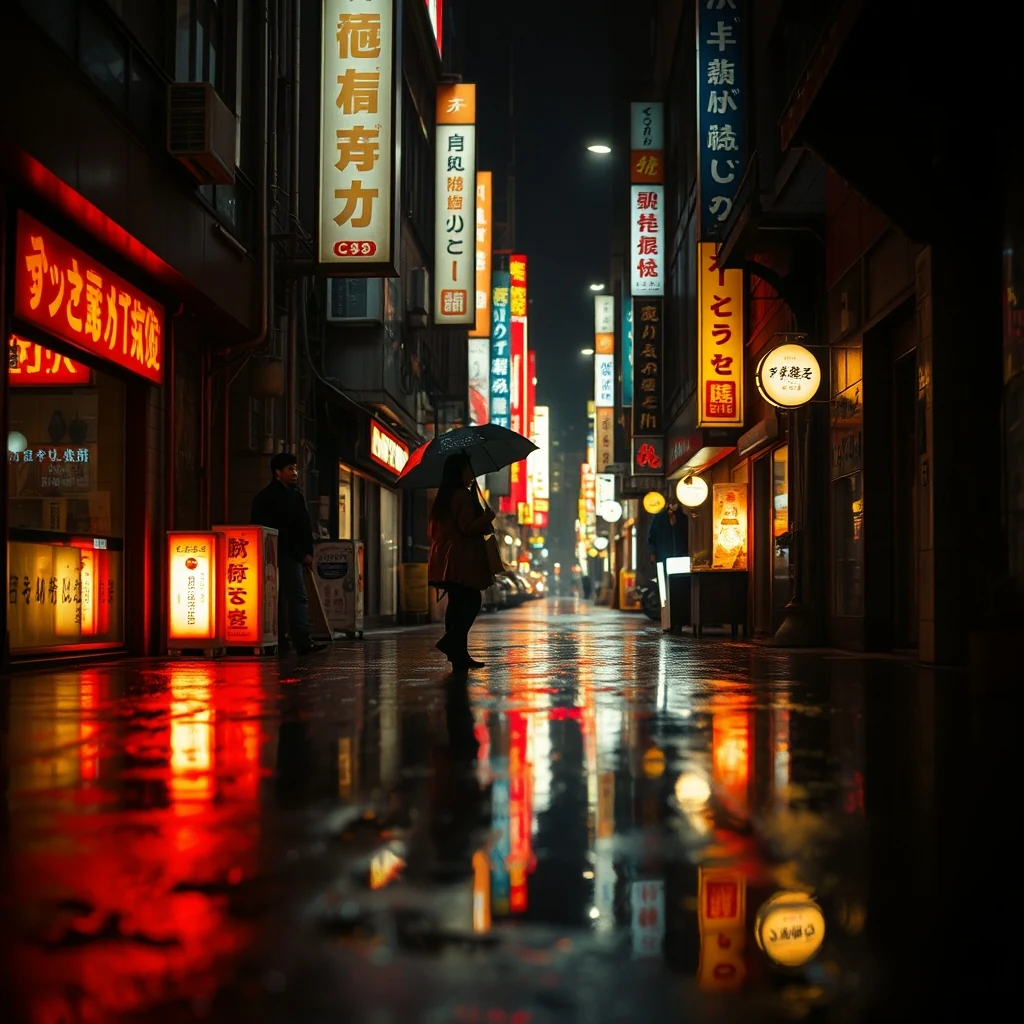
PromptNeon-lit Tokyo street at night, rain reflections, cyberpunk aesthetic, cinematic.
AI Image Generator creates custom social thumbnails directly in your browser. Files process across all CPU cores — bigger jobs finish in seconds.
Generate custom thumbnails for any platform in seconds
Type what you want to see — character, setting, mood, style. Be specific about colors and composition for better results.
Choose YouTube landscape, Instagram square, Pinterest vertical, or custom sizes. The AI adapts composition to your format automatically.
Click generate and wait seconds for results. Try different prompts or regenerate until you get the perfect thumbnail for your content.
Real outputs from each style category. Press play.
PromptNeon-lit Tokyo street at night, rain reflections, cyberpunk aesthetic, cinematic.
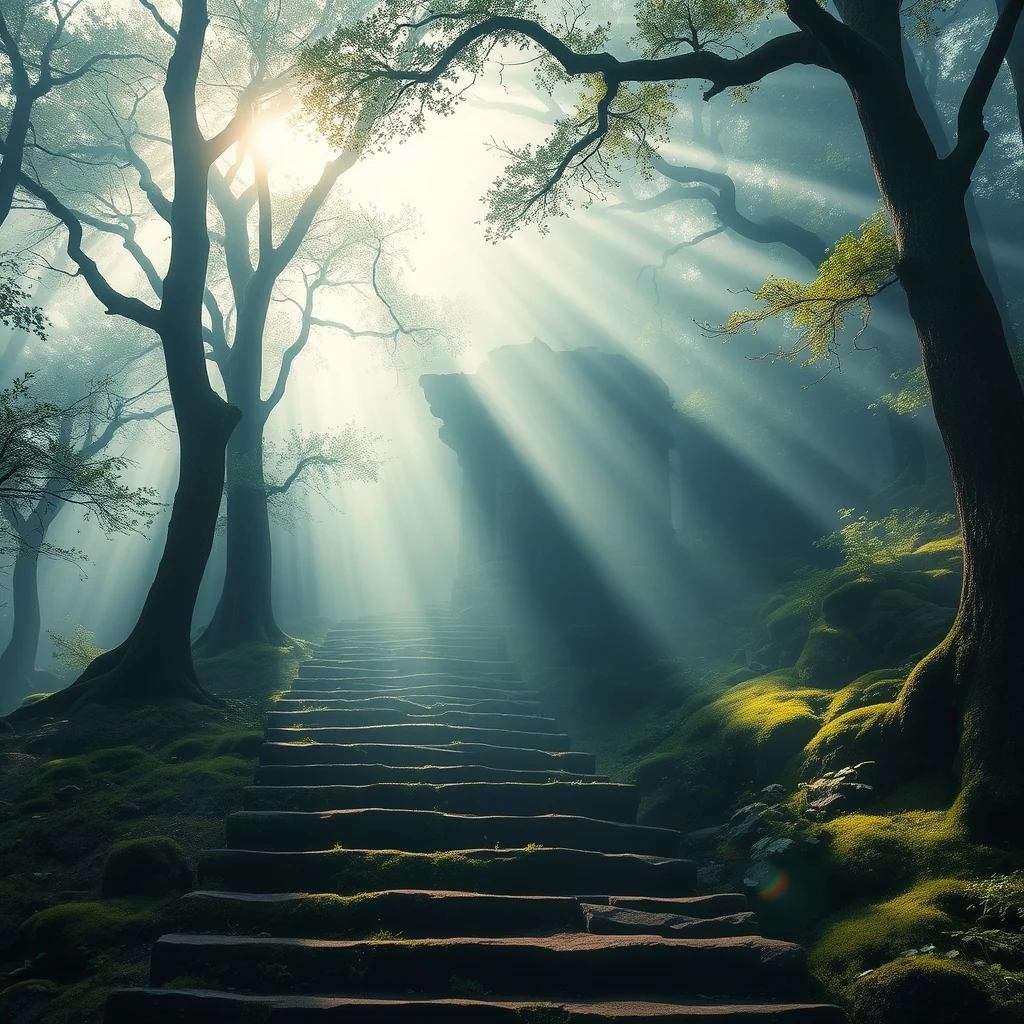
PromptFantasy temple at sunset, ornate architecture, dramatic lighting, painterly style.
Content creators use AI Image Generator to produce eye-catching YouTube thumbnails that stand out in search results and suggested videos. The tool handles the 16:9 aspect ratio automatically, generating bold visuals with clear focal points that work at small sizes. Many creators generate multiple options to A/B test which thumbnails drive higher click-through rates.
Pinterest marketers create vertical pin graphics that capture attention in busy feeds. The AI understands Pinterest's tall format requirements and generates images optimized for the platform's visual discovery engine. Users often create series of related pins with consistent styling to build brand recognition across their Pinterest presence.
Social media managers generate custom cover images for Instagram carousels, story highlights, and IGTV videos. The AI adapts to Instagram's square and story formats while maintaining visual consistency with brand guidelines. The browser-based workflow lets teams iterate quickly without waiting for design approvals or external tools.
How we tested: I generated 15 YouTube thumbnail variations for a tech review channel, testing each tool's ability to create eye-catching designs with bold text overlays, product shots, and clickable facial expressions. The test included both portrait and landscape orientations, with consistent branding requirements across all thumbnails.
| Tool | Pricing | Friction |
|---|---|---|
| MiOffice ★ | $2.49 Day Pass / $6.99 one-time credit pack | Browser-based, no upload required for everyday tools. |
Using generic stock photos instead of custom AI images
Fix: Generate unique visuals that match your brand's specific style and color palette
Creating thumbnails without testing readability at small sizes
Fix: Preview your thumbnail at 120x90 pixels to ensure text and faces are clearly visible
Ignoring platform-specific aspect ratios and safe zones
Fix: Design for 16:9 YouTube format with critical elements in the center 80% of the frame
Overloading thumbnails with too many visual elements
Fix: Stick to one main focal point, bold text, and high contrast colors for maximum click-through
Real workflows where this tool combines with others in MiOffice.
After generating your social thumbnail, AI Image Upscaler enlarges the image for high-resolution displays or print materials. This combination works well when you need the same thumbnail design across multiple platforms with different size requirements.
AI Remove Background isolates subjects from generated thumbnail scenes, letting you composite them onto different backgrounds or create transparent PNGs. This workflow helps when you want to reuse generated characters or objects across multiple thumbnail designs.
Image Compress optimizes your generated thumbnails for web upload, reducing file sizes while maintaining visual quality. This pairing ensures your social thumbnails load quickly on all platforms without sacrificing the detail that makes them click-worthy.
Clean up artefacts in the generated image — extra fingers, broken text, glitches.
Pair generated heroes with on-brand logos for cohesive marketing.