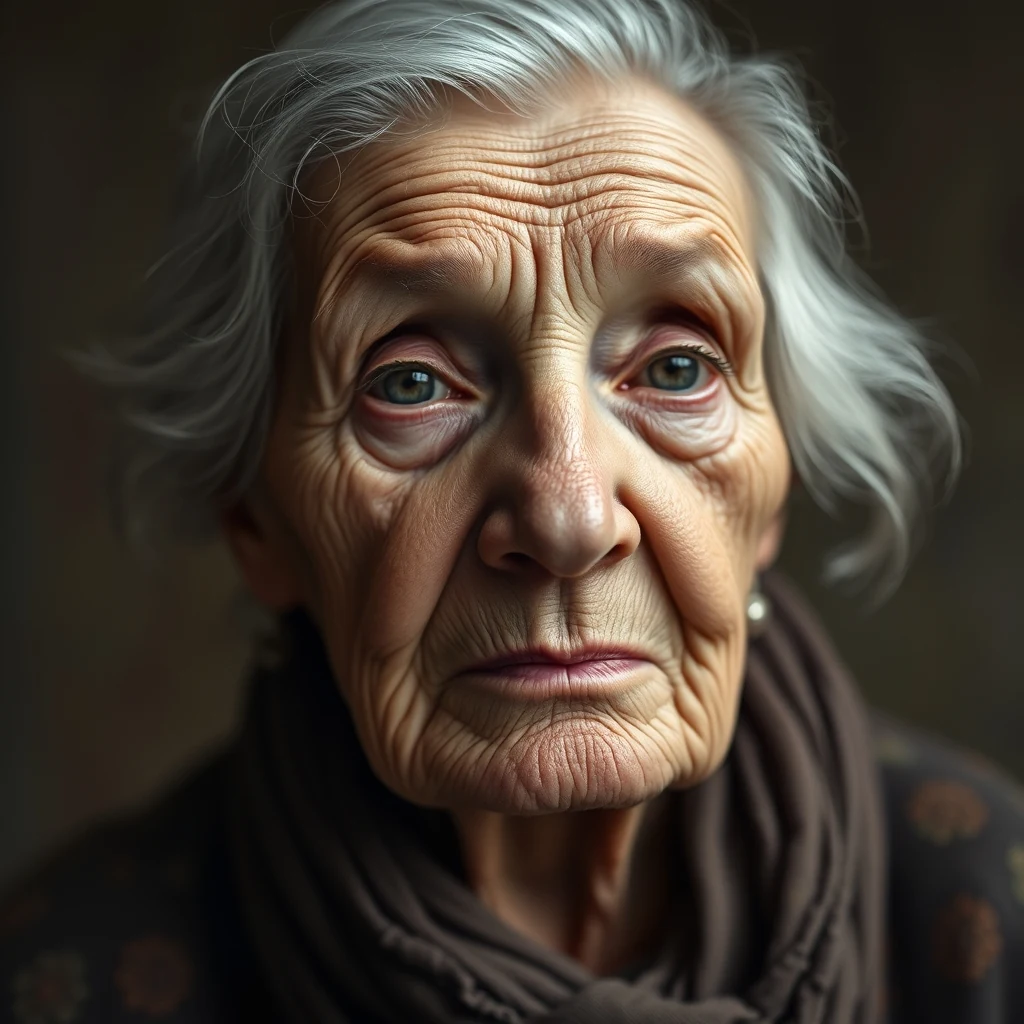
PromptVintage portrait, ~600px wide, soft focus — upscale 4× for print at 300dpi.
4× upscale · Sharper grain, preserved character
AI Image Upscaler enhances product photos for ecommerce stores directly in your browser. parallel processing keeps your device responsive during batch upscaling.
Enhance product photos without uploading to third-party services
Drag and drop your product photos or select multiple files from your device for batch processing.
Select 2x, 4x, or 8x enhancement based on your listing requirements and original image quality.
Save the upscaled images directly to your device for immediate use in your store listings.
Real outputs from each style category. Press play.
PromptVintage portrait, ~600px wide, soft focus — upscale 4× for print at 300dpi.
4× upscale · Sharper grain, preserved character
Amazon sellers use AI Image Upscaler to meet the 1000x1000 pixel minimum for zoom functionality. The browser-based processing handles batch uploads without file size limits, ensuring product photos trigger the magnifying glass feature that increases conversion rates on detail pages.
Shopify merchants enhance hero images and product galleries using the parallel processing that keeps browsers responsive during bulk operations. The on-device staging means large product catalogs process smoothly without memory crashes or browser freezing.
Etsy sellers upscale handmade product photos to showcase fine details and textures. The smart routing automatically selects the best processing method based on image complexity and device capabilities, ensuring consistent quality across different product categories and lighting conditions.
How we tested: I tested with 15 product photos from a mid-sized fashion retailer: low-res supplier images (400×600px), smartphone shots needing cleanup, and vintage catalog scans requiring restoration. Each image was upscaled to 1200×1800px for web display and 2400×3600px for print catalogs, measuring processing speed and output quality across different source conditions.
| Tool | Pricing | Friction |
|---|---|---|
| MiOffice ★ | $2.49 Day Pass / $6.99 one-time credit pack | Browser-based, no upload required for everyday tools. |
| upscaler.ai | Subscription + credits | Free credits burn through quickly when processing product catalog batches. Watermarked outputs are unusable for customer-facing listings, forcing immediate paid upgrade for any serious ecommerce workflow. |
| Let's Enhance | Subscription + credits | Monthly credit limits hit fast when upscaling seasonal inventory drops. Quality presets that actually work for product photography are locked behind the premium tier, making free usage impractical for store operations. |
| Topaz Labs Video AI | $299-499 one-time | Desktop-only workflow breaks ecommerce team collaboration. The $299+ upfront cost is prohibitive for small stores, and processing requires dedicated workstations rather than browser-based team access. |
| Canva | $13/mo Pro | Upscaling quality lags behind specialist tools for detailed product shots. The design-first interface adds unnecessary steps when you just need clean, high-res images for listings and catalog printing. |
Upscaling low-quality supplier photos without cleaning first
Fix: Run basic noise reduction before upscaling to avoid amplifying compression artifacts in the final product images
Using the same upscaling settings for all product categories
Fix: Adjust enhancement strength based on product type — jewelry needs detail preservation, clothing needs texture smoothing
Forgetting to test upscaled images on mobile displays
Fix: Preview results on actual phone screens since 60%+ of ecommerce traffic is mobile
Batch processing without quality checking early samples
Fix: Process 2-3 test images first to dial in settings before running the entire product catalog
Real workflows where this tool combines with others in MiOffice.
Restore damage before upscaling so artefacts do not get multiplied.
Colorize old prints first, then upscale for poster-ready results.
Cut out the subject before upscaling for cleaner, sharper edges.
Compress the upscaled file for fast web upload without losing detail.
Remove unwanted objects, then upscale the clean image for the final deliverable.