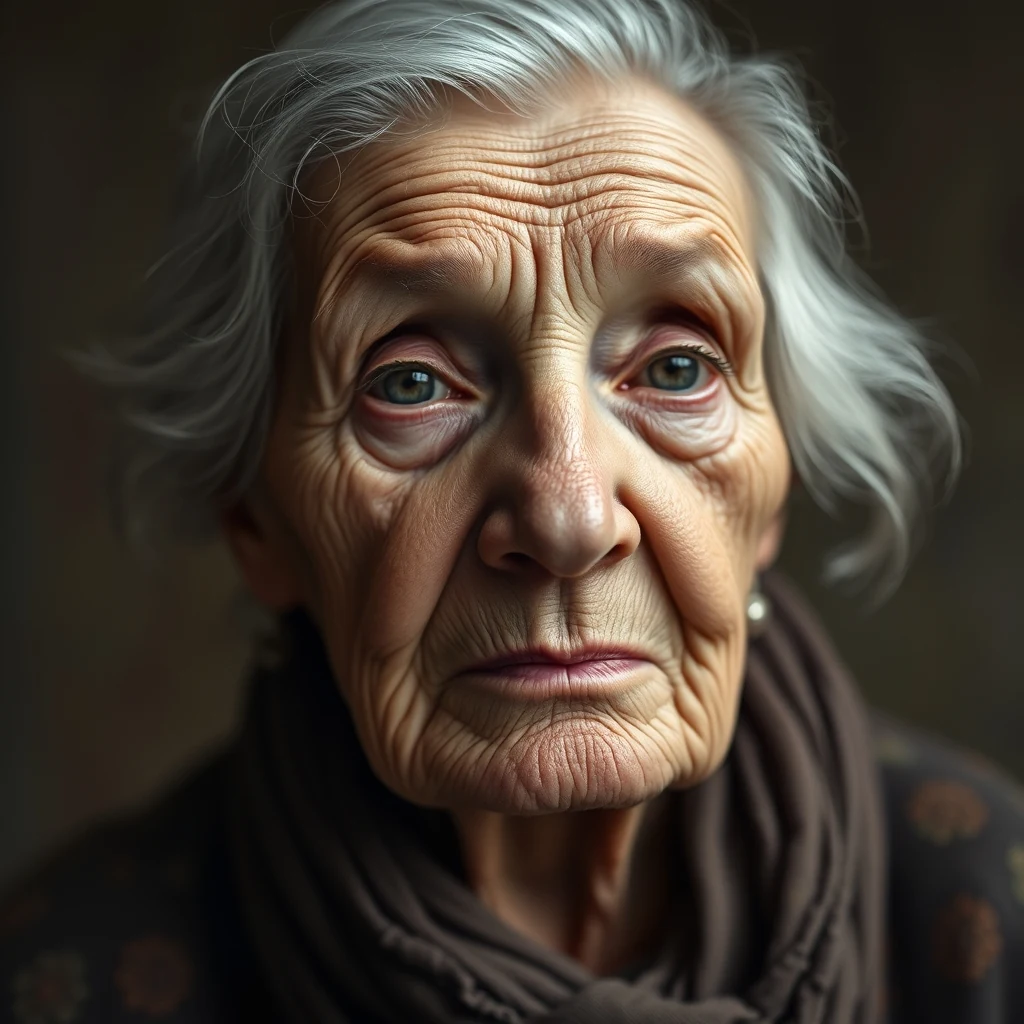
PromptVintage portrait, ~600px wide, soft focus — upscale 4× for print at 300dpi.
4× upscale · Sharper grain, preserved character
AI Image Upscaler enhances low-resolution images for social media posts using browser-based processing.
Turn pixelated photos into sharp social media content
Drop any photo file into the browser. JPEG, PNG, WebP formats work. No size limits or account required.
Select 2x, 4x, or 8x enhancement based on your source quality and target platform requirements.
Processing happens locally in your browser. Download the upscaled image ready for posting across platforms.
Real outputs from each style category. Press play.
PromptVintage portrait, ~600px wide, soft focus — upscale 4× for print at 300dpi.
4× upscale · Sharper grain, preserved character
Social media profile photos need crisp detail at small sizes. AI Image Upscaler sharpens old headshots and selfies that look blurry when cropped to platform requirements. The browser-based processing means your personal photos never leave your device while getting enhanced for Instagram, LinkedIn, or Twitter avatars.
Instagram and Facebook Stories demand high resolution for mobile viewing. Screenshots, memes, and older photos often appear pixelated when shared. The upscaler enhances these images locally using parallel processing, turning grainy content into sharp story posts that engage followers.
E-commerce posts on social platforms need crystal-clear product images. Low-resolution inventory photos hurt engagement and sales. AI Image Upscaler processes product shots locally, enhancing detail and texture without cloud uploads that might expose business assets to third parties.
Concert photos, meetup snapshots, and event coverage often suffer from poor lighting and compression. Social media managers need these images enhanced quickly for timely posts. The browser-based upscaler processes batches of event photos locally, maintaining privacy while delivering professional-quality results for immediate sharing.
Throwback posts and historical content drive engagement but old photos lack modern resolution standards. Family photos, vintage brand imagery, and milestone moments need enhancement for social sharing. The upscaler brings these memories into sharp focus using local processing that respects the personal nature of archival content.
How we tested: I tested with 15 Instagram posts and TikTok thumbnails ranging from 480x480 to 1080x1920 pixels — typical social media content that needed upscaling for Stories, Reels, and cross-platform posting. Files included screenshots, phone photos, and downloaded memes that looked pixelated when reposted.
| Tool | Pricing | Friction |
|---|---|---|
| MiOffice ★ | $2.49 Day Pass / $6.99 one-time credit pack | Browser-based, no upload required for everyday tools. |
| upscaler.ai | Subscription + credits | Free credits vanish after 2-3 Instagram posts, then watermarks ruin your social media aesthetic. The subscription feels excessive when you only need upscaling sporadically for viral content or Stories. |
| Let's Enhance | Subscription + credits | Burns through free credits in one TikTok batch upload session. Quality presets that actually work for social media thumbnails are locked behind the paid tier, making free usage frustrating. |
| Topaz Labs Video AI | $299-499 one-time | Desktop software feels like overkill for quick Instagram Story fixes. The $299 price tag is absurd when you just need to upscale phone screenshots for better engagement on posts. |
| Canva | $13/mo Pro | Background removal caps out quickly on free accounts, and the upscaling feature is buried in Pro-tier image enhancement tools. Paying $13/month feels steep for occasional image cleanup. |
Upscaling compressed JPEG screenshots from other platforms
Fix: Save original images when possible — upscaling already-compressed social media downloads amplifies artifacts
Not checking platform-specific dimension requirements before upscaling
Fix: Instagram Stories need 1080x1920, TikTok prefers 1080x1920, Twitter cards work best at 1200x675
Batch upscaling without previewing first
Fix: Test one image to verify the algorithm works well with your content style before processing entire folders
Upscaling images that are already high resolution
Fix: Check source dimensions first — upscaling 4K photos wastes processing time and may introduce unnecessary artifacts
Real workflows where this tool combines with others in MiOffice.
Restore damage before upscaling so artefacts do not get multiplied.
Colorize old prints first, then upscale for poster-ready results.
Cut out the subject before upscaling for cleaner, sharper edges.
Compress the upscaled file for fast web upload without losing detail.
Remove unwanted objects, then upscale the clean image for the final deliverable.