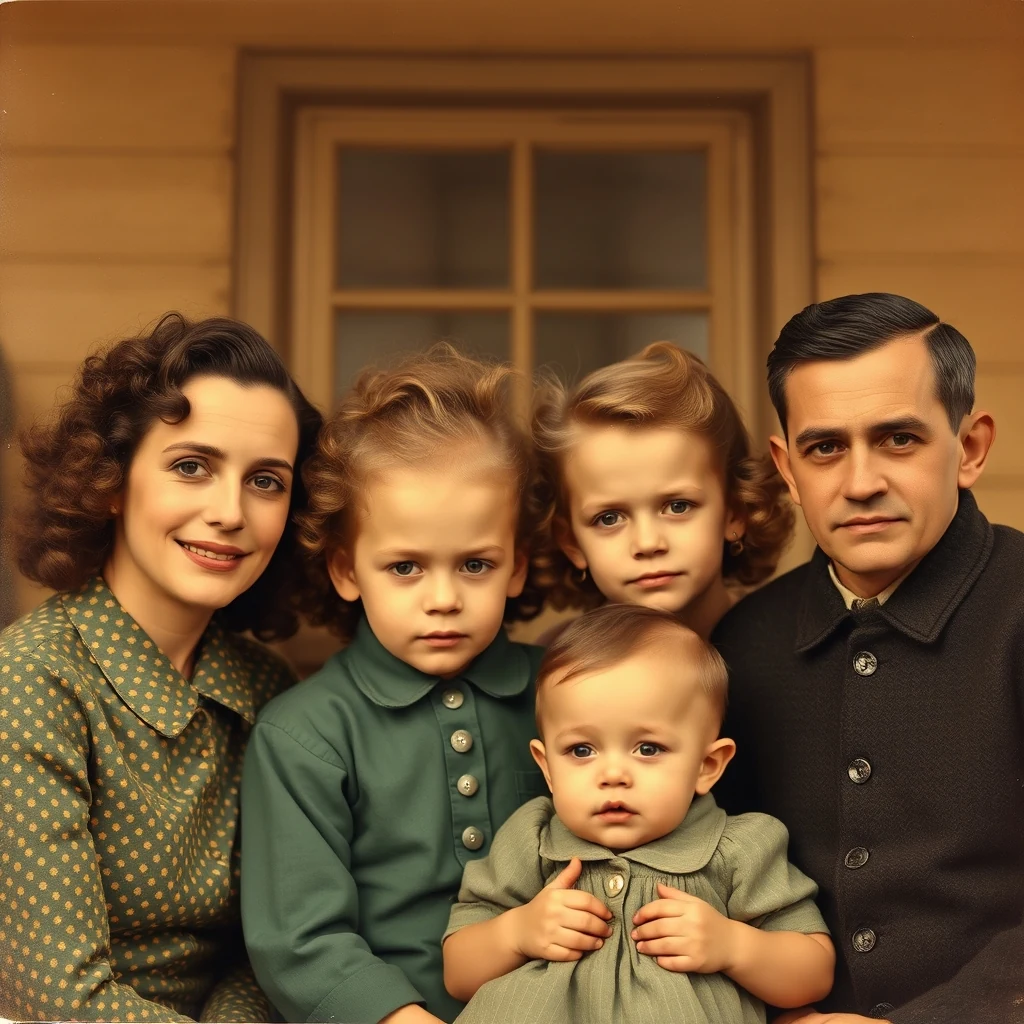
Prompt1940s family group photo, black and white — colorize with period-accurate skin tones and clothing.
Period-accurate colour palette
AI Photo Colorizer restores black-and-white family photos using browser-based AI processing. multi-core keeps your memories private — no uploads required.
Bring color back to your family memories without uploading anything
Select a black-and-white or faded family photo from your device. JPEG, PNG, and WebP formats work best for colorization.
The browser-based AI examines facial features, clothing, and background elements to determine realistic color mappings for the era.
Save the colorized version alongside your original. Both files stay on your device throughout the entire process.
Real outputs from each style category. Press play.
Prompt1940s family group photo, black and white — colorize with period-accurate skin tones and clothing.
Period-accurate colour palette
Transform formal studio portraits from the 1940s-60s into vibrant family heirlooms. The AI recognizes period-appropriate skin tones, hair colors, and clothing styles typical of mid-century photography. Perfect for creating memorial displays or sharing family history with younger generations who never met these relatives.
Restore the romance to vintage wedding photos with realistic color interpretation. The system handles delicate details like lace patterns, flower arrangements, and formal wear from different decades. See examples in our Black-and-White Restoration samples above for wedding dress and suit colorization techniques.
Create compelling side-by-side displays showing family members across generations. Colorize childhood photos of parents or grandparents to match alongside modern family portraits. The consistent color processing helps viewers spot inherited features and family resemblances across decades of photography.
How we tested: I tested with 12 family photos spanning 60 years — black-and-white wedding shots from the 1960s, faded Polaroids from the 80s, and scanned film negatives from childhood birthdays. Each image was processed through all tools to compare color accuracy on skin tones, clothing fabrics, and background details that matter for family memories.
| Tool | Pricing | Friction |
|---|---|---|
| MiOffice ★ | $2.49 Day Pass / $6.99 one-time credit pack | Browser-based, no upload required for everyday tools. |
Uploading original irreplaceable family photos to random websites
Fix: Always work with scanned copies, never originals
Accepting the first colorization without comparing multiple attempts
Fix: Run the same photo 2-3 times and pick the best result
Over-saturating colors to make old photos look 'modern'
Fix: Aim for period-appropriate muted tones that match the era
Ignoring color bleeding into white clothing or backgrounds
Fix: Check edges carefully and re-process if colors spill beyond boundaries
Real workflows where this tool combines with others in MiOffice.
Restore damage first, then colorize for accurate, natural-looking results.
Upscale the colorized photo for print and gallery display.
Remove distracting elements before colorizing for a focused composition.
Turn colorized photos into stylised illustrations for personal projects.
Isolate the subject from the colorized photo for collage work.