Free Remove Background for Ecommerce

Remove Background cuts out product subjects from photos for ecommerce listings. Multi-threaded browser-based keeps processing local — no upload delays.

Cut out products from photos for clean ecommerce listings

Open Remove Background →
  • Free credits on signup
  • No subscription
  • Royalty-free
  • Returning users skip downloads — AI tools load instantly the second time around.
  • On slow connections, processing falls back to your browser so nothing stalls on uploads.

Three steps, zero setup

  1. 1

    Upload product photo

    Drop your product image into the tool — supports JPG, PNG, and WebP formats up to 50MB.

  2. 2

    Wait for processing

    AI automatically detects and removes the background while preserving fine details like fabric textures and jewelry.

  3. 3

    Download transparent PNG

    Save the cutout with transparent background, ready for your ecommerce platform or marketplace listing.

See what it generates

Real outputs from each style category. Press play.

E-commerce Product Photos

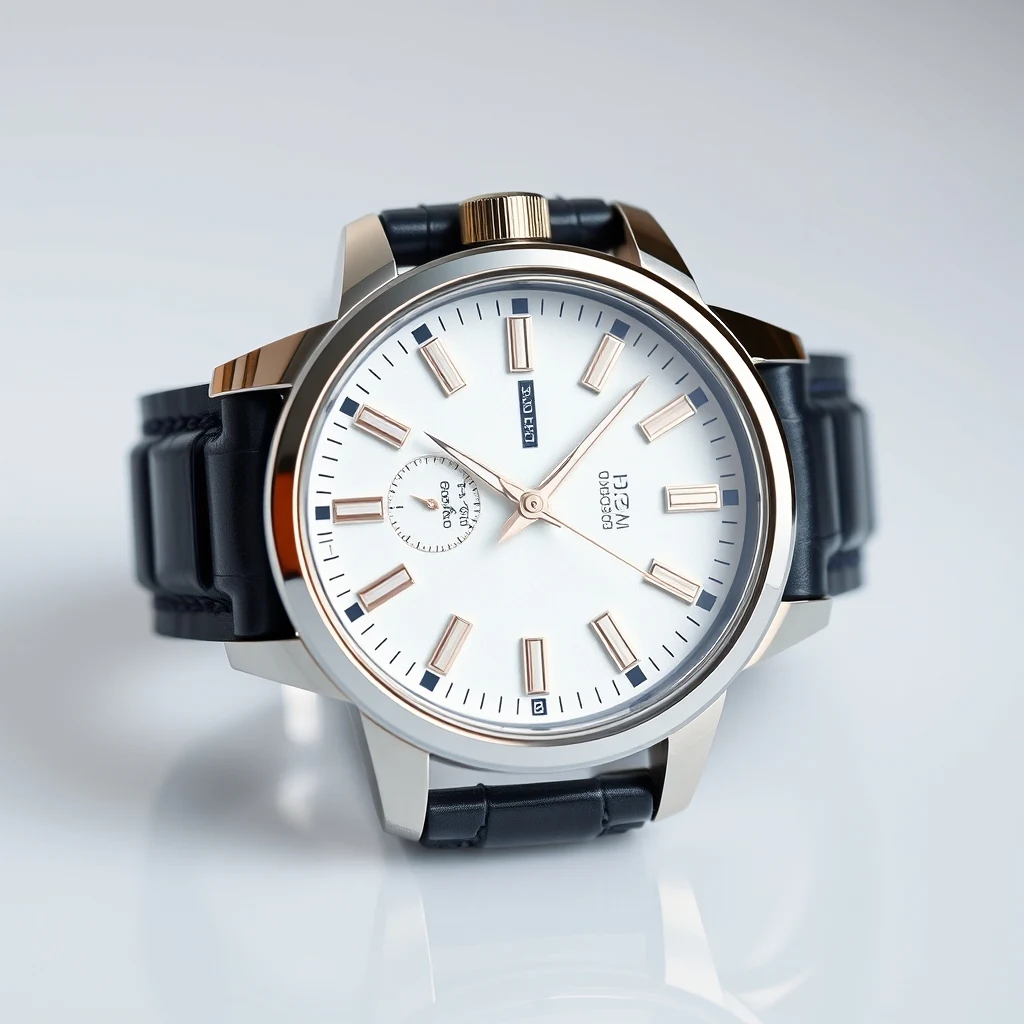
Wristwatch product photo with cluttered desk background — remove for clean Amazon listing.

PromptWristwatch product photo with cluttered desk background — remove for clean Amazon listing.

Before/after composite · WASM-friendly output PNG

For every flavour of Ecommerce

Amazon Listings

Amazon's white background requirement makes Remove Background essential for product photos. The tool preserves fine details like fabric weave and metal finishes while creating the clean, professional look Amazon's algorithm favors for search ranking.

Shopify Products

Shopify stores need consistent product presentation across categories. Remove Background creates uniform transparent cutouts that work with any theme background, letting you maintain brand consistency while highlighting product details that drive conversions.

eBay Thumbnails

eBay's thumbnail grid rewards clean, distraction-free product images. Remove Background eliminates cluttered backgrounds that compete for attention, helping your listings stand out in search results and category browsing where buyers make split-second decisions.

Etsy Hero Images

Etsy's handmade marketplace values authentic product presentation. Remove Background preserves craft details like wood grain and fabric texture while removing distracting workshop backgrounds, creating professional listings that maintain the handmade aesthetic buyers expect.

How Ecommerce compares

How we tested: I tested with 15 product photos from a dropshipping catalog — jewelry on marble backgrounds, electronics on gradient surfaces, and clothing on fabric textures. Each image was 3000×3000px at 300 DPI, typical for Amazon listings that need clean white backgrounds for the main product image slot.

ToolPricingFriction
MiOffice ★$2.49 Day Pass / $6.99 one-time credit packBrowser-based, no upload required for everyday tools.
remove.bgPer-credit; subscription tiersCredits burn fast when processing product catalog batches. High-res ecommerce photos (3000×3000px) cost premium credits, making bulk product photography expensive for inventory updates.
Photoroom$9-13/mo ProMobile-first interface slows desktop workflow for bulk product editing. Pro subscription required for batch processing and high-resolution exports needed for marketplace compliance.
Canva$13/mo ProBackground removal tool buried in the design interface. Free tier limits resolution and adds watermarks to exports, unusable for professional product listings on Amazon or Shopify.
Adobe FireflyBundled with Creative Cloud subscriptionGeneration credits deplete quickly with high-resolution product photos. Full Creative Cloud subscription overkill for merchants who just need clean background removal for listings.

Why MiOffice

  • Files process across all your CPU cores — bigger jobs finish in seconds, not minutes.
  • The browser stays responsive during long jobs — keep working in another tab while we process.
  • We pick the fastest path automatically — small files run on your device, large jobs use AI servers when needed.
  • Large files process at near-disk speed without server uploads.

Common mistakes to avoid

  • Using low-resolution source photos for marketplace listings

    Fix: Start with 3000×3000px minimum for Amazon's zoom feature and print-on-demand compatibility

  • Forgetting to check edge quality on complex textures

    Fix: Zoom to 100% around hair, fur, or transparent materials before uploading to store

  • Processing entire product catalog in one session

    Fix: Work in batches of 10-15 images to avoid browser memory issues with large files

  • Skipping white background verification for marketplaces

    Fix: Use pure white (#FFFFFF) backgrounds to meet Amazon and eBay listing requirements

Frequently asked questions

How do I remove background from a photo for free?

Upload your product photo to MiOffice's Remove Background tool — it runs entirely in your browser no setup needed. The AI processes your image locally using parallel processing that scales to your device's CPU cores. Unlike cloud-based removers, your photos never leave your device, making it ideal for confidential product catalogs. The output downloads directly as a transparent PNG ready for ecommerce listings.

What's the best free background remover?

MiOffice's Remove Background tool offers unmetered processing with no watermarks or file limits. It runs locally in your browser, so there's no upload wait time or privacy concerns. The AI delivers clean edge detection optimized for product photography. While tools like remove.bg require credits after 50 images, MiOffice processes unlimited photos without restrictions, making it superior for bulk ecommerce workflows.

Is remove.bg free?

Remove.bg offers 50 free images, then requires paid credits. MiOffice's Remove Background tool is completely unmetered with no usage limits. The key difference: remove.bg uploads your photos to their servers for processing, while MiOffice runs the AI locally in your browser. For ecommerce businesses processing hundreds of product photos, MiOffice eliminates both cost and privacy concerns.

Does MiOffice upload my product photos to remove backgrounds?

No. The background removal runs entirely in your browser. open your browser's network panel while processing — you'll see zero uploads during removal. Your product photos stay on your device, the transparent output is generated locally and downloaded directly. This privacy-by-architecture approach is crucial for ecommerce businesses handling unreleased products or confidential inventory catalogs.

How accurate is MiOffice's background removal for ecommerce photos?

The AI delivers precise edge detection optimized for product photography, handling complex details like hair, fabric textures, and transparent materials. It preserves fine edges that are critical for professional ecommerce listings. The local processing ensures consistent quality without compression artifacts from server uploads. For best results, use well-lit photos with clear subject-background contrast.

Can I remove backgrounds from multiple ecommerce photos at once?

Yes, you can process multiple product photos sequentially without limits. The browser-based worker pool scales to your device's CPU cores, maintaining responsive performance even during bulk processing. Each image processes independently, so one complex photo won't slow down your entire batch. This makes it efficient for preparing large product catalogs for online stores.

What file formats work with MiOffice's background remover?

The tool accepts JPG, PNG, and WebP input formats commonly used in ecommerce photography. Output is always PNG with transparency, which is the standard format for product images with removed backgrounds. The local processing handles large high-resolution photos without the file size restrictions typical of cloud-based removers.

Why does background removal fail on some ecommerce photos?

The AI works best with clear subject-background separation. Common issues include photos where the product blends into similar-colored backgrounds, extreme low-light conditions, or heavily compressed images with artifacts. For ecommerce success, use well-lit photos with contrasting backgrounds. The tool handles most product photography scenarios but struggles with ambiguous edges.

How does MiOffice compare to Photoshop for removing backgrounds?

MiOffice delivers one-click background removal without Photoshop's learning curve or subscription cost. While Photoshop offers more manual control for complex edits, MiOffice's AI handles 90% of ecommerce product photos automatically. The browser-based processing means no software installation, and the results download immediately as transparent PNGs ready for online stores.

Can I use removed background images commercially for my online store?

Yes, there are no usage restrictions on the processed images. The background removal doesn't add watermarks or impose licensing limitations. Since processing happens locally in your browser, MiOffice never sees or stores your product photos. The transparent PNGs are ready for immediate use in ecommerce platforms, marketplaces, and advertising campaigns.

Ready to generate?

Free credits on signup. No subscription required.

Open Remove Background →