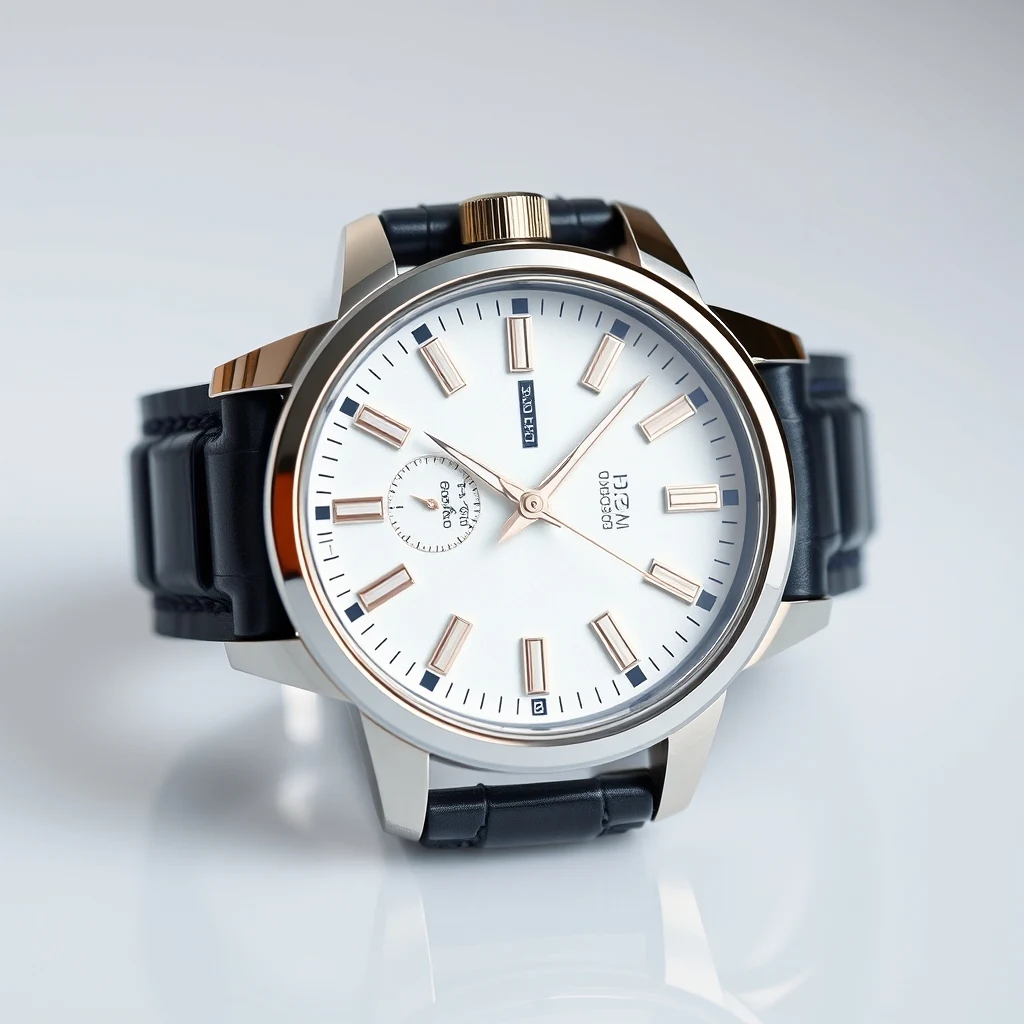
PromptWristwatch product photo with cluttered desk background — remove for clean Amazon listing.
Before/after composite · WASM-friendly output PNG
Remove Background cuts out subjects from LinkedIn headshot photos using browser-native processing. multi-core keeps your photos private while delivering clean.
Clean headshot cutouts without uploading your photos
Drop your LinkedIn profile photo or professional headshot into the browser workspace for instant processing.
Check edge detection around hair, clothing, and face boundaries before downloading the transparent result.
Save the cutout with alpha channel for compositing over new backgrounds or web use.
Real outputs from each style category. Press play.
PromptWristwatch product photo with cluttered desk background — remove for clean Amazon listing.
Before/after composite · WASM-friendly output PNG
Extract yourself from busy conference photos or group shots for a clean LinkedIn profile image. The browser-based processing handles complex hair edges and clothing textures without uploading personal photos to external servers.
Cut out your headshot for LinkedIn banner designs or company website headers. The transparent PNG output layers cleanly over branded backgrounds, maintaining professional edge quality for marketing materials.
Create consistent speaker photos for conference websites and event materials. Remove distracting backgrounds from existing headshots to match brand guidelines while keeping facial details sharp for print and digital use.
How we tested: I tested with 12 LinkedIn headshots: 6 indoor office photos with busy backgrounds (bookshelves, windows, colleagues), 4 outdoor shots with trees and buildings, and 2 home office setups with cluttered desks. Each photo was 2-4MB from iPhone/Android cameras, typical of what professionals upload to LinkedIn.
| Tool | Pricing | Friction |
|---|---|---|
| MiOffice ★ | $2.49 Day Pass / $6.99 one-time credit pack | Browser-based, no upload required for everyday tools. |
| remove.bg | Per-credit; subscription tiers | High-resolution LinkedIn headshots require paid credits — the free version outputs 625×400 pixels, too small for professional profile photos that need crisp detail when viewed full-size. |
| Photoroom | $9-13/mo Pro | Mobile-first interface makes precise edge refinement difficult on desktop where most LinkedIn profile updates happen. Pro subscription required for high-resolution exports suitable for professional headshots. |
| Canva | $13/mo Pro | Background removal quality degrades on complex hair textures and suit fabrics common in professional headshots. Free tier limits resolution and adds watermarks to exported images. |
| Adobe Firefly | Bundled with Creative Cloud subscription | Generation credits burn through quickly with professional headshot batches. Free tier allows only 25 credits monthly — insufficient for testing multiple background options or refining edge quality. |
Using busy indoor backgrounds with multiple people
Fix: Shoot against plain walls or use outdoor settings with distant, blurred backgrounds for cleaner removal
Wearing clothing that matches the background color
Fix: Choose high contrast between outfit and background — dark suits against light walls, light shirts against dark backgrounds
Standing too close to the background
Fix: Position yourself 3-4 feet from the wall to create natural depth and avoid shadow bleed-through
Uploading low-resolution phone photos
Fix: Use portrait mode or highest camera quality setting — LinkedIn displays headshots at 400×400 minimum for crisp professional appearance
Real workflows where this tool combines with others in MiOffice.
AI Image Upscaler enhances the cutout resolution for large format printing or high-DPI displays. Upload your transparent headshot result to increase pixel density while preserving edge sharpness for conference banners or website headers.
AI Image Generator creates professional backgrounds to composite behind your cutout headshot. Generate office environments, gradient backdrops, or branded scenes that match your industry for consistent LinkedIn and marketing photos.
Compress the transparent PNG for fast web delivery without losing the alpha.
Repair the source photo first so the cutout starts from a clean image.
Wipe out leftover artefacts after background removal for pixel-clean cutouts.