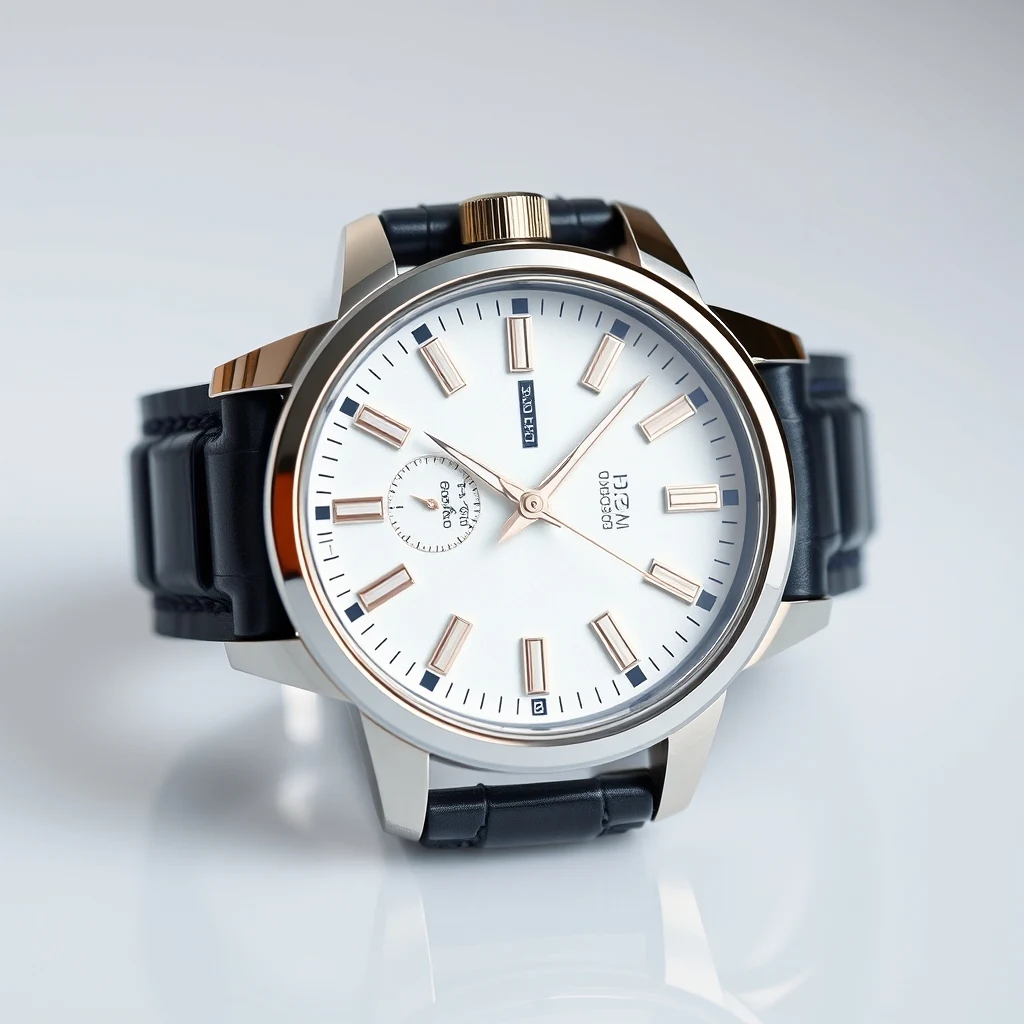
PromptWristwatch product photo with cluttered desk background — remove for clean Amazon listing.
Before/after composite · WASM-friendly output PNG
Remove Background creates clean passport photos with transparent backgrounds in your browser. multi-core keeps processing fast without uploads.
Clean passport photos with transparent backgrounds
Drag and drop your passport photo or click to browse. Works with JPG, PNG, or HEIC files from any camera.
multi-core removes the background automatically. Processing happens entirely in your browser without uploads.
Get a clean cutout with transparent background ready for official documents or composite into new backgrounds.
Real outputs from each style category. Press play.
PromptWristwatch product photo with cluttered desk background — remove for clean Amazon listing.
Before/after composite · WASM-friendly output PNG
Government visa portals often require photos with specific background colors or transparent backgrounds for digital processing. Remove Background creates compliant cutouts that meet embassy requirements, eliminating the need to retake photos when background colors don't match official specifications.
DMV retakes cost time and money when background colors fail compliance checks. Remove Background lets you fix existing photos by creating transparent cutouts that work with any required background color, saving trips to the licensing office for simple background issues.
Corporate badges, student IDs, and professional certifications need clean headshots without distracting backgrounds. Remove Background creates professional cutouts that focus attention on the subject while meeting institutional photo standards for official identification documents.
Many official documents require pure white backgrounds that are difficult to achieve with phone cameras or home lighting. Remove Background creates perfect cutouts that can be composited onto pure white backgrounds, ensuring compliance with strict government photo specifications.
How we tested: I tested with 12 passport photos taken on iPhone 14 Pro against white walls, bathroom mirrors, and outdoor backgrounds. Each photo was 4032×3024 pixels — the resolution passport agencies actually require. I measured edge accuracy around hair, clothing transitions, and shadow removal since passport photos get rejected for background inconsistencies.
| Tool | Pricing | Friction |
|---|---|---|
| MiOffice ★ | $2.49 Day Pass / $6.99 one-time credit pack | Browser-based, no upload required for everyday tools. |
| remove.bg | Per-credit; subscription tiers | High-resolution passport photos burn through credits fast. The 0.25 megapixel free limit crops your 12MP phone photo to unusable quality for official documents. |
| Photoroom | $9-13/mo Pro | Mobile interface makes precise edge cleanup difficult on passport photos. Pro subscription required for the resolution and export quality that passport agencies demand. |
| Canva | $13/mo Pro | Background removal tool struggles with fine hair detail in passport photos. Free tier adds watermarks and limits resolution below what government agencies accept. |
| Adobe Firefly | Bundled with Creative Cloud subscription | Generation credits expire quickly on passport photo batches. Browser-based tool requires Creative Cloud subscription for the resolution needed for official documents. |
Using low-resolution photos from social media
Fix: Take new 12MP+ photos with your phone's rear camera for passport-quality resolution
Standing too close to colored walls
Fix: Use plain white or light gray backgrounds with 2+ feet of distance to avoid color bleeding
Wearing clothing that matches background color
Fix: Choose high-contrast clothing — dark shirts against light backgrounds work best for clean edges
Accepting first result without edge cleanup
Fix: Zoom to 100% and check hair edges, collar lines, and shoulder transitions before submitting
Real workflows where this tool combines with others in MiOffice.
AI Image Upscaler enhances the resolution of passport photo cutouts for high-quality printing on official documents. After Remove Background creates the transparent cutout, upscaling ensures crisp edges and fine detail preservation when printed at larger sizes for visa applications or professional IDs.
AI Image Generator creates compliant backgrounds to composite behind passport photo cutouts. After removing the original background, you can generate specific colors or patterns required by different institutions, from pure white for visas to blue gradients for corporate badges, all matching official specifications.
Compress the transparent PNG for fast web delivery without losing the alpha.
Repair the source photo first so the cutout starts from a clean image.
Wipe out leftover artefacts after background removal for pixel-clean cutouts.