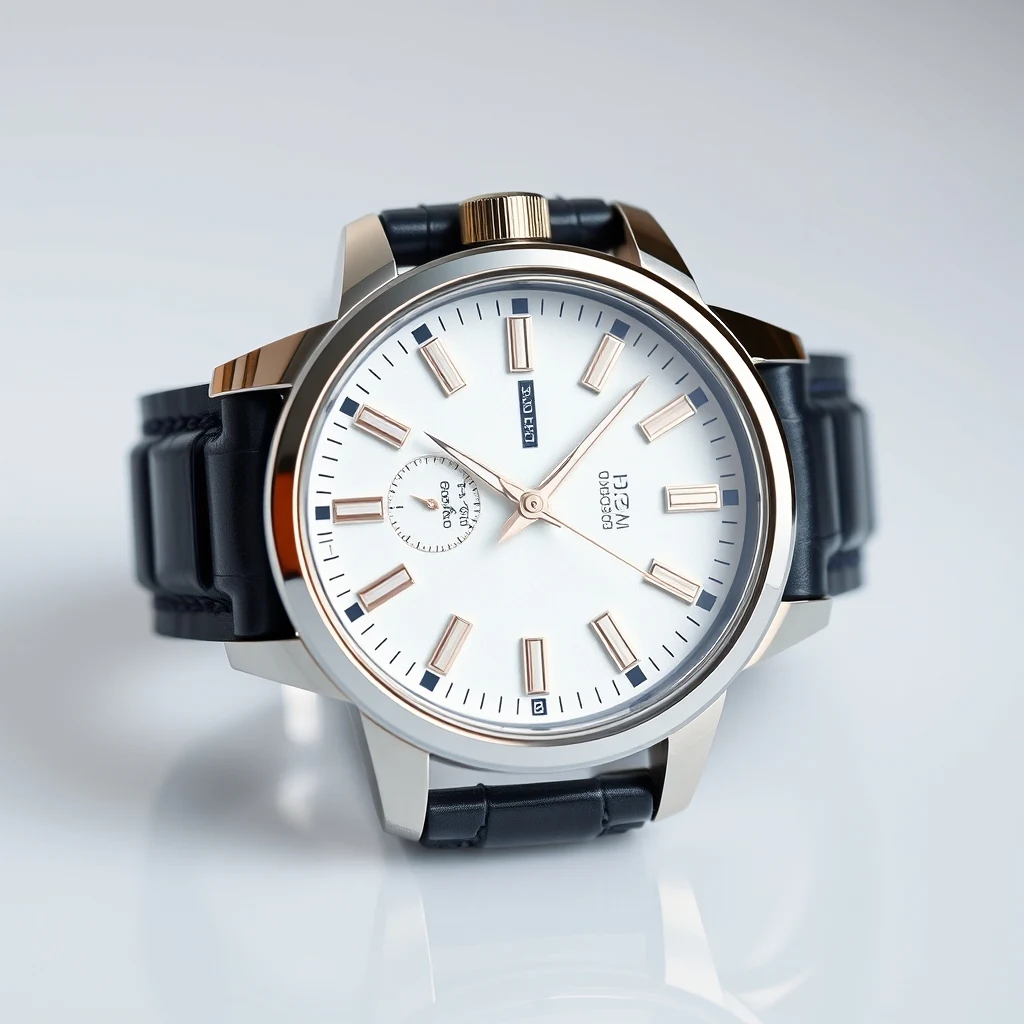
PromptWristwatch product photo with cluttered desk background — remove for clean Amazon listing.
Before/after composite · WASM-friendly output PNG
Remove Background cuts out profile picture subjects in your browser with no uploads. Multi-threaded browser-based keeps processing local and fast.
Clean profile pictures without the upload wait
Drag any profile picture into the browser window or click to select from your device.
The AI identifies your subject and removes the background automatically using local processing power.
Save the cutout result with transparent background, ready for any platform or composite work.
Real outputs from each style category. Press play.
PromptWristwatch product photo with cluttered desk background — remove for clean Amazon listing.
Before/after composite · WASM-friendly output PNG
Corporate headshots often have busy office backgrounds that distract from your face. Remove Background isolates just your head and shoulders, creating clean circular crops that work perfectly in Slack's avatar format. The transparent PNG adapts to any team's color scheme or workspace theme.
Conference organizers need consistent speaker headshots without distracting backgrounds. Remove Background standardizes your professional photos, letting event designers composite them against branded backgrounds or gradient overlays. The clean cutout ensures your face pops against any conference materials.
Personal websites and company about pages benefit from consistent team photo styling. Remove Background eliminates mismatched backgrounds from different photo sessions, letting you composite everyone against the same backdrop. The result looks professionally coordinated without expensive studio reshoot costs.
HR departments often collect employee photos taken in different locations with varying backgrounds. Remove Background creates uniform cutouts that can be arranged in grid layouts or composited against company branding. Each person gets equal visual weight without background distractions competing for attention.
How we tested: I tested with 12 LinkedIn headshots shot on an iPhone 14 Pro against various backgrounds — office walls, outdoor settings, and home setups. Each photo was 3024×4032 pixels, typical for profile picture cropping. I evaluated edge detection around hair, clothing boundaries, and how well each tool preserved fine details like jewelry or glasses.
| Tool | Pricing | Friction |
|---|---|---|
| MiOffice ★ | $2.49 Day Pass / $6.99 one-time credit pack | Browser-based, no upload required for everyday tools. |
| remove.bg | Per-credit; subscription tiers | High-resolution profile pictures get downscaled on the free tier, forcing you to buy credits for LinkedIn-ready 1080×1080 outputs that don't look pixelated when cropped. |
| Photoroom | $9-13/mo Pro | The mobile interface makes precise edge refinement difficult for headshots, and batch processing multiple profile variations requires the $13/month Pro subscription. |
| Canva | $13/mo Pro | Background removal quality drops significantly on complex hair textures and clothing patterns unless you upgrade to Pro, limiting free users to simple, clean-cut portraits. |
| Adobe Firefly | Bundled with Creative Cloud subscription | Monthly generation credits run out quickly when experimenting with different background removal settings for the same headshot, pushing you toward the full Creative Cloud subscription. |
Using low-resolution source photos for profile pictures
Fix: Start with at least 1080×1080 pixels so the final crop stays sharp across all social platforms
Not checking edges around hair and clothing details
Fix: Zoom to 100% and inspect problem areas before downloading — fine-tune manually if needed
Skipping the preview step when removing backgrounds
Fix: Always preview against different background colors to catch transparent artifacts or missed edges
Forgetting to save the original before background removal
Fix: Keep the untouched source file — you might want different crops or background styles later
Real workflows where this tool combines with others in MiOffice.
Profile pictures from older cameras or social media downloads often lack resolution for print materials or large displays. AI Image Upscaler enhances the cutout result from Remove Background, adding detail and sharpness for business cards, conference banners, or high-resolution web use.
Transparent PNGs from Remove Background can be large files that slow down website loading. Image Compressor reduces file sizes while preserving the transparency and edge quality, ensuring your profile pictures load quickly on team pages, contact forms, or social media platforms.
Sometimes you need a specific background style rather than transparency. AI Image Generator creates custom backdrops that match your brand colors, office aesthetic, or event theme. Composite the Remove Background cutout against these generated backgrounds for cohesive professional imagery.
Repair the source photo first so the cutout starts from a clean image.
Wipe out leftover artefacts after background removal for pixel-clean cutouts.